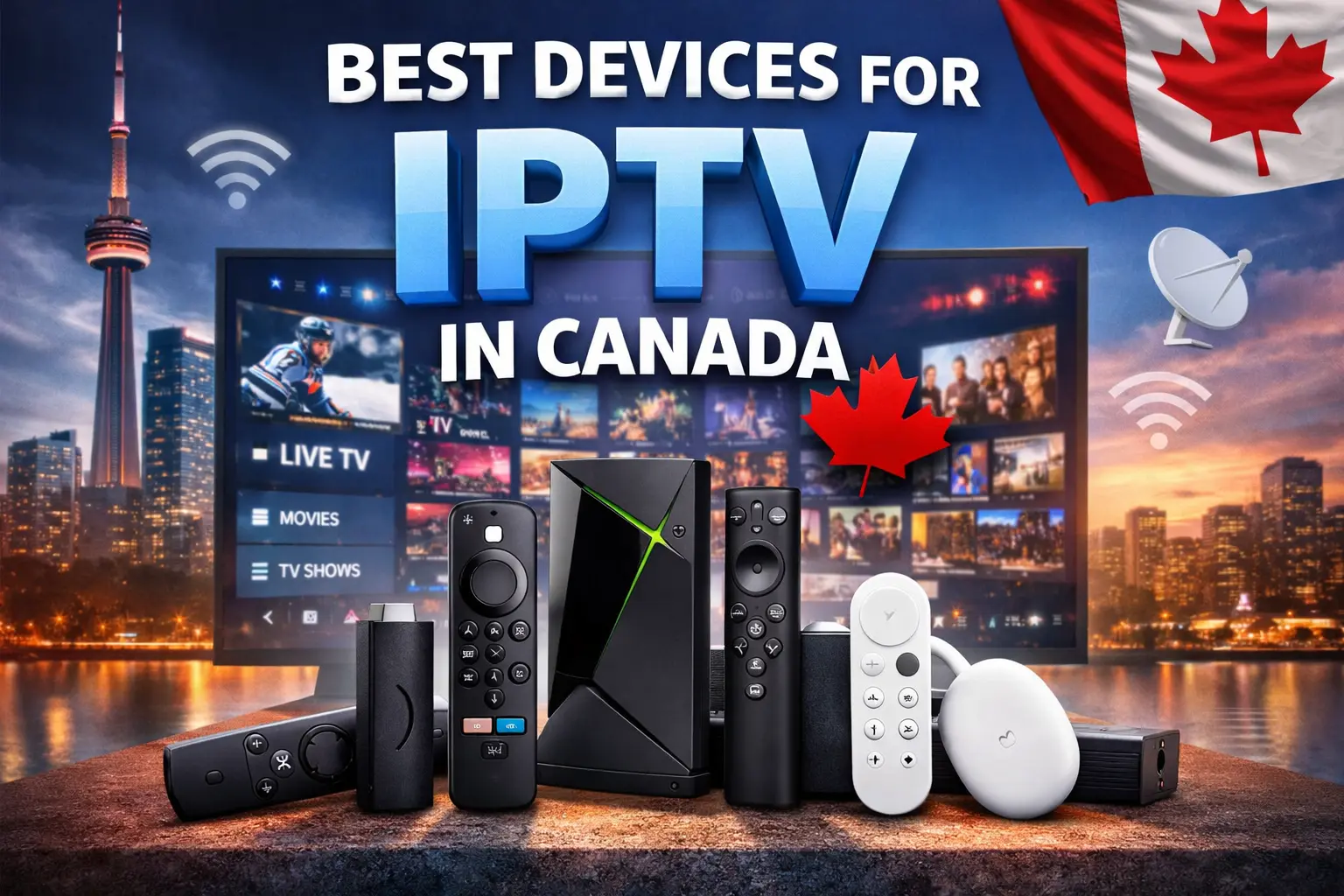
Best Devices for IPTV in Canada: Ultimate 2026 Guide
Watching IPTV (Internet Protocol Television) in Canada provides a flexible and cost-effective way to enjoy live TV, movies, and on-demand content, all through your internet connection. With so many devices available, understanding which ones work best for IPTV streaming is essential. This guide covers everything you need to know, from how IPTV works to detailed device recommendations, comparisons, tips, and FAQs.
📺 1. What IPTV Is and How It Works
IPTV stands for Internet Protocol Television, which means television programming and video content are delivered over the internet rather than through traditional cable or satellite signals. Unlike cable, which uses physical wires or dishes, IPTV streams content via your broadband connection, similar to platforms like YouTube or Netflix
Essentially, your IPTV provider hosts live channels and video-on-demand (VOD) content on servers. These streams are then encoded into internet-friendly formats. Once your device connects, it receives and decodes the video for playback through an IPTV app or player. This setup allows for enhanced flexibility: you can pause or rewind live TV, browse extensive channel libraries, and watch on multiple devices. Because the content is delivered over the internet, there’s no need for a satellite dish or cable box.
Key Requirements for Smooth IPTV
To ensure a seamless experience, consider the following essentials:
- Stable high-speed internet (25+ Mbps recommended for HD/4K)
- A compatible device such as a streaming stick or IPTV box
- An IPTV app or player installed on your device
- A subscription from a trusted IPTV provider
For a detailed list of the equipment needed to get started, check this guide on what equipment you need for IPTV. (irenis-blankom)
🔍 2. Why the Right Device Matters for IPTV
Choosing the best devices for IPTV In Canada affects not only streaming quality but also app compatibility, stability, and overall usability. Evaluating several factors before purchasing is critical to avoid frustration later.
Essential Device Features
- Processing power — Ensures smooth playback, especially for HD and 4K streams.
- App compatibility — Devices differ in which IPTV players they support.
- Network support — Wi-Fi and/or Ethernet are essential for a fast, stable connection.
- User experience — Intuitive menus, remote layout, and updates make the device easier to use.
Device setup complexity, IPTV app performance, and future-proofing also vary. By understanding your usage patterns, you can select a device that balances performance, ease of use, and longevity.
📱 3. Best Streaming Devices for IPTV in Canada
Below are the top device categories for IPTV in Canada, including pros, cons, and ideal users.
🔥 3.1 Amazon Fire TV Devices — Best All-Around Choice
Amazon Fire TV devices are among the most popular for IPTV. These devices are affordable, simple to set up, and compatible with apps like IPTV Smarters, TiviMate, and XCIPTV.
Top Fire TV Picks
- Fire TV Stick 4K Max
- Balanced performance and price
- Supports 4K Ultra HD
- Excellent Wi-Fi and app performance
- Fire TV Stick 4K
- Suited for mid-range budgets
- Fire TV Cube
- High-end option with faster processor and advanced voice control
Why Fire TV Works Well for IPTV
Apps can be sideloaded if they are unavailable in the Amazon Store. The device benefits from strong community support with guides and tutorials. Additionally, many Canadian households already use Fire TV devices, which makes setup familiar.
Pros
- Easy to install IPTV apps
- Affordable and widely compatible
- Frequent updates
Cons
- Some advanced features require sideloading
- Not the most powerful option for heavy users
📺 3.2 Android TV & Google TV Devices — Flexible and Powerful
Android TV and Google TV devices provide greater flexibility because most IPTV apps are available directly from Google Play. They also allow customization that Fire TV may not support.
Top Android/Google TV Picks
- NVIDIA Shield TV Pro
- Powerful, future-proof Android TV device
- Google TV Streamers (e.g., Chromecast with Google TV)
- Simple setup and integration with Google ecosystem
- Xiaomi / Other Android TV Boxes
- Affordable options for budget-conscious users
Why Android TV Is Great for IPTV
Most IPTV apps can be installed directly from Google Play. Sideloaded apps usually perform better than on Fire TV. Advanced users also have the option to tweak settings to optimize streaming performance.
Pros
- Broad app compatibility
- Powerful devices available
- Suitable for IPTV and general streaming
Cons
- Can be more expensive
- Some models offer more performance than necessary for basic users
📺 3.3 Smart TVs — Built-In Apps Without Extra Hardware
Many modern Smart TVs, particularly Android TV models, can run IPTV apps directly. This convenience suits casual users who prefer a single device setup.
Pros
- No extra device required
- Simple setup
- Remote control included
Cons
- Built-in apps may be limited
- Performance varies by brand
Good TV Platforms
- Android TV — Offers the best IPTV support
- Samsung (Tizen) and LG (WebOS) — Sideloading may be necessary
Although Smart TVs are convenient, external streaming sticks or boxes often deliver smoother performance and access to advanced features.
🔢 4. Other Compatible Devices
Beyond streaming sticks and boxes, several other devices can handle IPTV.
✔ Smartphones & Tablets
These devices are convenient for mobile IPTV viewing. Popular apps like IPTV Smarters and TiviMate work well on phones and tablets.
✔ Laptops and PCs
IPTV desktop apps or VLC provide reliable playback. They are ideal for users who want a flexible setup or want to watch on a computer.
✔ Gaming Consoles & Other Devices
Some gaming consoles can stream IPTV via apps or browsers. While convenient, they do not provide the same TV-centered experience as dedicated boxes or sticks.
📊 5. Device Comparison Table
| Device | 4K Support | Ease of Setup | App Support | Best For |
|---|---|---|---|---|
| Fire TV Stick 4K Max | ✔ | ⭐⭐ | ⭐⭐⭐⭐ | Most IPTV users |
| NVIDIA Shield TV Pro | ✔ | ⭐⭐⭐ | ⭐⭐⭐⭐⭐ | Power users |
| Google TV Device | ✔ | ⭐⭐⭐⭐ | ⭐⭐⭐⭐ | Android ecosystem |
| Smart TV (Android) | ✔ | ⭐⭐⭐ | ⭐⭐⭐ | Casual users |
| Smartphone/PC | Varies | ⭐⭐⭐⭐ | ⭐⭐⭐ | Mobile / desktop |
🧠 6. How to Choose the Right IPTV Device
Selecting the right device involves considering budget, usage, and technical requirements.
🔹 Budget
Fire TV Stick or a budget Android box works well for lower budgets. For higher budgets, the NVIDIA Shield TV offers advanced features and long-term usability.
🔹 Usage
A casual viewer may find a Smart TV sufficient. Conversely, heavy streamers benefit from a powerful Android TV device or Shield TV to handle multiple streams.
🔹 Future-Proofing
Devices with strong processors and Wi-Fi 6 provide better long-term performance. Regular firmware updates also help ensure ongoing compatibility.
🔹 Compatibility
Always confirm that the device supports the IPTV app you intend to use. Ensuring this ahead of time prevents frustration later.
❓ 7. Frequently Asked Questions (FAQs)
Q1: What are the best Devices for IPTV in Canada?
Popular choices include Amazon Fire TV sticks, Android TV/Google TV boxes, and dedicated IPTV boxes. These devices provide excellent app support, stable performance, and compatibility with widely used IPTV players.
Q2: Can I use my Smart TV for IPTV without extra hardware?
Many Smart TVs, particularly Android TV models, allow IPTV apps to be installed directly. However, built-in apps might have limitations. Using a streaming stick can improve performance and expand app options.
Q3: Do I need Ethernet for IPTV streaming?
Ethernet connections offer more stability and reduce buffering. Nevertheless, a strong 5GHz Wi-Fi signal can also reliably handle IPTV streams.
Q4: Is a VPN necessary for IPTV in Canada?
While not mandatory, a VPN enhances privacy and prevents ISP throttling. This step is recommended for users who want added security.
Q5: What internet speed is needed for IPTV?
Smooth streaming typically requires:
- SD: ~10 Mbps
- HD: ~25 Mbps
- 4K: ≥50 Mbps
Faster speeds are especially helpful when multiple devices stream simultaneously.
8. Conclusion
Choosing the best devices for IPTV in Canada significantly enhances your viewing experience. Whether you pick an Amazon Fire TV, Android TV, or Smart TV, focus on compatibility, performance, and ease of use. Matching your device to your viewing habits and internet speed ensures smooth access to live TV, movies, and international channels. With proper planning, IPTV can be enjoyed effortlessly and without interruptions.